금일 이 블로그서버를 Linux -> macOS 로 이전하는 도중, brew를 이용한 서비스 시작시 발생한 에러이다.
HumingCubis-iMac:var $ brew services start mariadb
Could not enable service: 125: Domain does not support specified action
Error: Failure while executing; `/bin/launchctl enable gui/501/homebrew.mxcl.mariadb` exited with 125.
위 에러를 구글로 검색해보면 brew 그룹을 추가해서 링크를 걸라느니 이런 복잡한 글들이 있는데..
간단히 맥 커맨드라인 툴을 삭제하면 해결된다.
HumingCubis-iMac:~ $ sudo rm -rf /Library/Developer/CommandLineTools이후 자연스레 brew services 명령어가 실행 될것이고, 그 후 커맨드 라인툴을 재설치하면 된다.
HumingCubis-iMac:~ $ sudo xcode-select --install
xcode-select: note: install requested for command line developer tools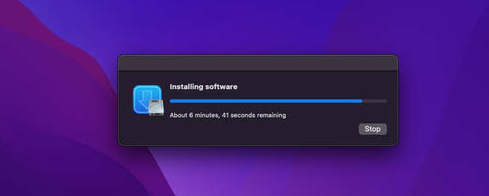
나이스쟙 후밍~